
Google Ads research
Google Ads Transparency Center: How to Check Any Advertiser's Ads
The Google Ads Transparency Center is Google's free, public library of advertisers and the ads they've served on Google platforms like Search, Display, Gmail and YouTube. You can look up any brand by its advertiser name or website, see its ads, and filter them by date and the location they targeted. Anyone can use it, whether or not they advertise.

On this page
For a marketer it's two tools in one: a way to check who's behind an ad, and a window into what competitors are running. We use it alongside Meta's library when we plan campaigns for fintech, gaming, ecommerce and subscription apps.
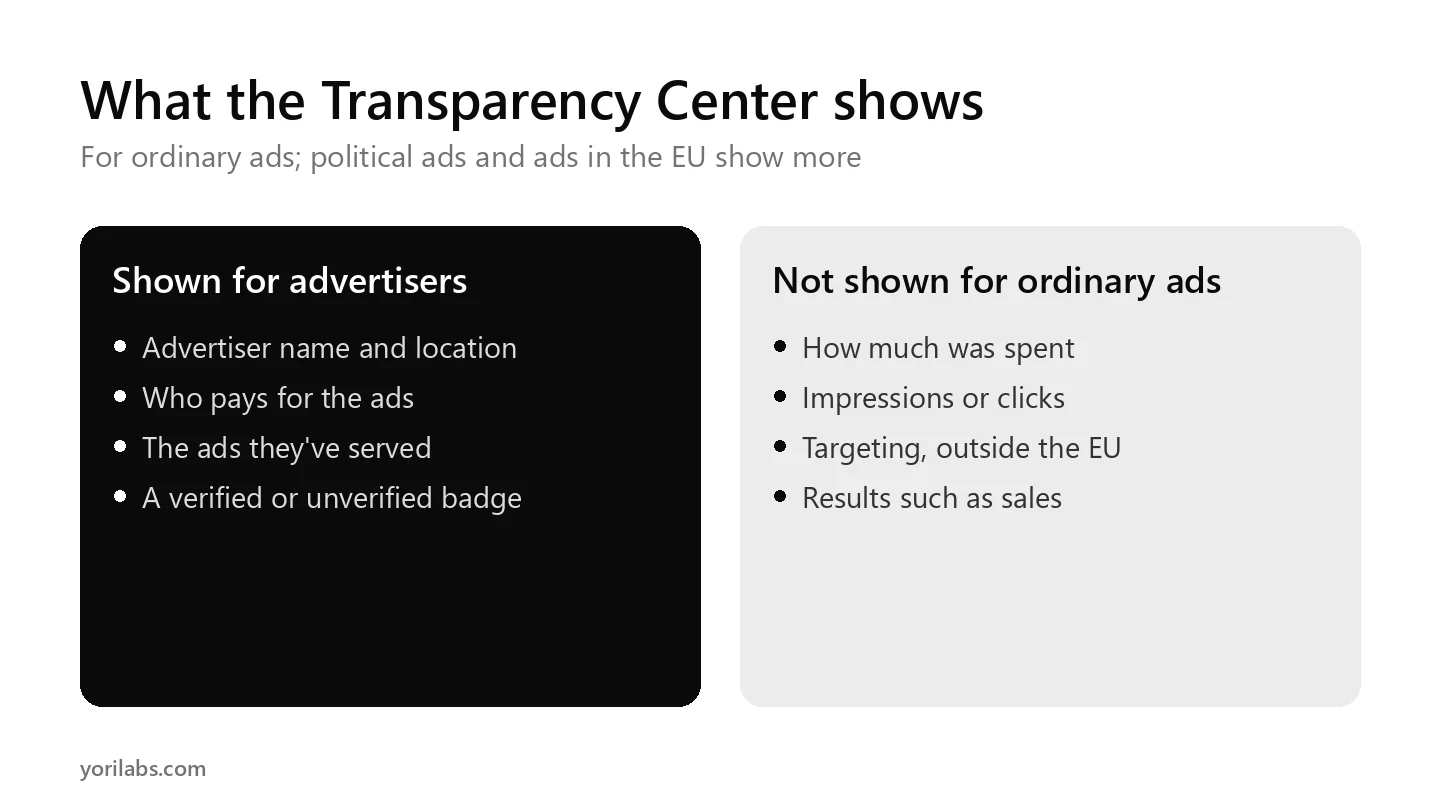
What the Center shows about advertisers
According to Google's help page on ads transparency, the Center shows information such as the advertiser's name, its location, the entity that pays for the ads, and the ads it has served over a period of time. That applies to all advertisers on Google platforms, including Search and YouTube.
Advertisers who've completed Google's verification programme show the legal name or trademark name and location they provided, with a verified badge. Advertisers who haven't completed it show their payments profile name and location, with an unverified badge.
How to use the Google Ads Transparency Center, step by step
- Open the Ads Transparency Center.
- Choose a region, such as India.
- Type an advertiser's name or a website address, and pick the match.
- Filter the results by date range, platform and format, such as text, image or video.
- Open any ad to see its details, including when it was last shown.
One quirk to know: the platform filter only works for ads shown since 4 September 2023. Older ads won't appear when that filter is on.
What it doesn't show for ordinary ads
| You can see | You usually can't see |
|---|---|
| The advertiser's name and location | How much the advertiser spent |
| Who pays for the ads | Impressions or clicks |
| The ads themselves | Targeting, outside the EU and a few other regions |
| Dates and the region an ad was shown in | Results such as sales or leads |
Swipe the table sideways to see every column.
There are two exceptions. Political and election ads get extra disclosure in Google's political advertising report, in places where its political content policies apply. And for ads served in the EU and a few other countries, Google adds targeting information, the total number of recipients for each ad and a subject label.
Using Google Ads transparency data for competitor research
- List every advertiser name a competitor uses. Big brands often run several accounts, and agencies may pay on their behalf.
- Compare formats. A competitor that's mostly video is probably buying YouTube reach; one that's mostly text is living on Search.
- Note the offers. Search ads often carry the sharpest version of a brand's promise, because the space is so small.
- Watch the dates. Ads that keep being shown for months are probably working.
- Check your own listing. Make sure your advertiser name and verification look right, because customers can see them too.
Google vs Meta: use both
Meta has its own public library for Facebook and Instagram ads, and our guide to the Meta Ads Library explains it. Brands often say different things in each place: discovery messages on Meta, intent messages on Google. Looking at both gives you the full picture of a competitor's pitch.
If you'd rather someone turned this research into campaigns, here's what a good Google Ads agency should set up first. And if you're new to paid media, our guide to what performance marketing is is the place to start.
Check your own advertiser listing too
Customers, partners and journalists can look you up in exactly the same way, so it's worth a few minutes. Search your own website and check three things: that the advertiser name is the one people know you by, that the location is right, and that the payer shown makes sense. If your payment profile name differs from your advertiser name, Google shows it as the payer, and you can edit the payer name shown in your Google Ads account under Admin, Policy, Account.
If your account isn't verified yet, finishing Google's advertiser verification adds the verified badge next to your name, which helps people trust what they're seeing.
How often to look
For competitor research, once a month is enough for most teams. Keep a simple sheet with each competitor, the formats they're running, the offers in their ads and anything new since last time. Over a few months, that sheet shows you which messages they keep and which they quietly drop, and that's often the most useful signal of all.
Frequently asked questions
What is the Google Ads Transparency Center?
It's a free, searchable repository from Google that lists advertisers and the ads they've served on Google platforms like Search, Display, Gmail and YouTube. You can search by advertiser or website name, filter by date and targeted location, see who pays for the ads, and report ads you believe break Google's policies.
Can I see how much a competitor spends on Google Ads?
Not for ordinary ads. The Center shows the advertiser, who pays, the ads and when they ran, but not spend, impressions or clicks. Political and election ads get extra disclosure in Google's political advertising report, and ads served in the EU show more detail, such as targeting and recipients.
Is the Google Ads Transparency Center free?
Yes. Anyone can use it without an account and without advertising on Google. You just open the site, choose a region and search for an advertiser or a website. Google also offers API access to data about ads served in the European Economic Area, under its own terms of service.
Why does an advertiser show as unverified?
Google shows an unverified badge for advertisers who haven't completed its advertiser verification programme. For them, it shows the payments profile name and location they provided. Verified advertisers show the legal or trademark name and location they submitted with official documents, along with a verified badge next to their name.
How is it different from the Meta Ads Library?
They do a similar job for different platforms. The Google Ads Transparency Center covers Search, Display, Gmail and YouTube, while Meta's library covers Facebook, Instagram and Meta's other apps. Neither shows spend for ordinary commercial ads, so use both together to see a competitor's full set of messages.
Want your Google research turned into results?
We plan and run Google campaigns for fintech, gaming, ecommerce and subscription apps, and we judge them on the event that pays, not on clicks. If you'd like a read on what your competitors are running and where you can win,
tell us who they are